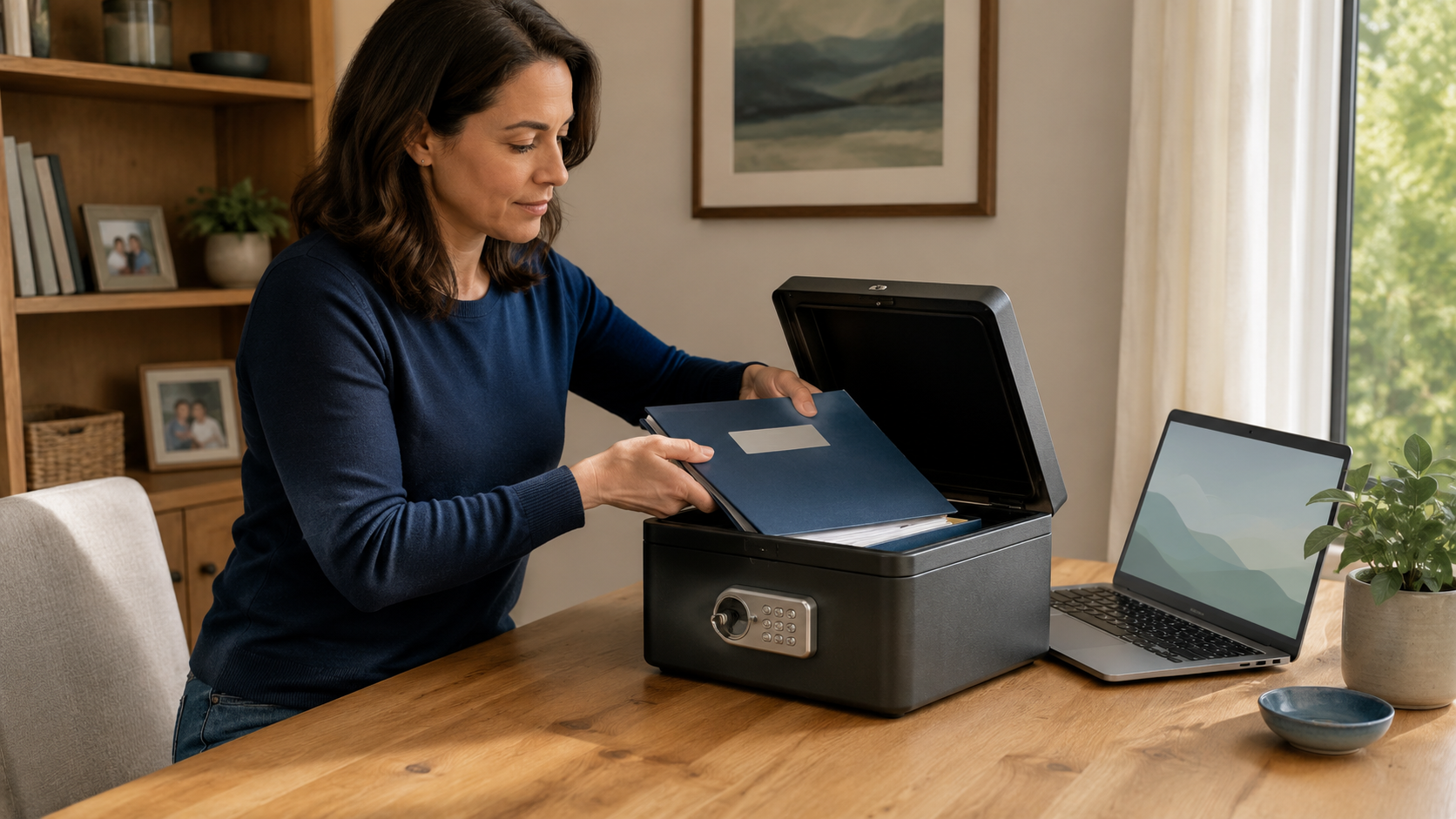
Emergency records must be protected from theft, fire, water, device failure, and unauthorized access, but they also must be reachable when you cannot retrieve them yourself. The safest system uses layers rather than one binder in one place.
Organize the details your caregiver may need
Create three levels of access
Quick-access packet
Keep only immediate information here, caregiver contacts, child medical facts, school details, daily routines, and the location of complete records. It should be easy for the primary caregiver to find.
Protected home file
Store copies of identity, insurance, medical, household, custody, and estate documents in a locked, fire-resistant, and water-resistant location appropriate for your home.
Off-site or secure digital backup
Keep an encrypted or password-protected backup in a reputable service or another secure location. Ready.gov recommends protected digital copies of important documents. Make sure a trusted person knows how access works without putting the password in an exposed binder.
Decide who receives what
Your primary caregiver may need the complete emergency packet. A backup caregiver may need contact information and access instructions. A school, babysitter, coach, or neighbor usually needs only a limited sheet relevant to that role.
An attorney, executor, trustee, or nominated guardian may need to know where original legal documents are held. Ask the professional preparing the document how originals and copies should be distributed.
Use the principle of minimum necessary access. Do not give every person Social Security numbers, financial statements, passwords, custody records, or detailed medical history.
Protect originals appropriately
Birth certificates, passports, court orders, wills, trusts, deeds, and other originals may have different storage needs. Some organizations require an original or certified copy. A safe-deposit box can provide protection, but access may be delayed or restricted after incapacity or death.
Ask your attorney and financial institution how an authorized person could reach stored originals in your circumstances. Do not assume a caregiver can access a box or account simply because you named them in a family plan.
Make digital access resilient
Use strong, unique passwords and multi-factor authentication. Keep recovery instructions current. If using a password manager, decide how a legally authorized person will obtain emergency access.
Do not place a master password in a child’s backpack, unlocked phone note, ordinary email, or visible binder. Also avoid relying on a single phone that could be lost, damaged, or locked.
Test the retrieval process
Twice a year, ask the primary caregiver to explain how they would find:
- The immediate caregiver packet
- The child’s medication and insurance information
- Current court orders or legal documents
- Your attorney and healthcare contacts
- The secure backup
Fix unclear labels, expired links, old phone numbers, and inaccessible files. A backup is useful only if the authorized person can retrieve and understand it.
Frequently asked questions
Should I keep everything in a safe-deposit box?
Not everything. Documents needed immediately may be inaccessible when the bank is closed or when the caregiver lacks legal access. Use layered storage and get professional advice about originals.
Is cloud storage safe for family documents?
No system is risk-free. Reputable encrypted storage with strong authentication can be part of a sound backup plan, but access settings, recovery methods, and sharing should be reviewed carefully.
Should my emergency caregiver have my passwords?
Not automatically. Give access only when necessary and through a secure, deliberate method that fits your legal and estate plan.
Related guides
- Emergency Documents Every Single Parent Should Keep
- Family Emergency Contact Card
- How to Create an Emergency Binder
Sources
- Ready.gov, Financial Preparedness
- Ready.gov, Flood Safety and Document Protection
- FEMA, Emergency Financial First Aid Kit
- CISA, Use Strong Passwords
Turn guidance into a plan
Give the people you trust clear information.
Create your private, printable Family Readiness Plan. No account or payment is required.
Build my free plan